Skip to content
Blog | Samuel Eng

GSA - Register BYOD

Samuel EngSamuel Eng
  1. Accept the license terms and select Install.
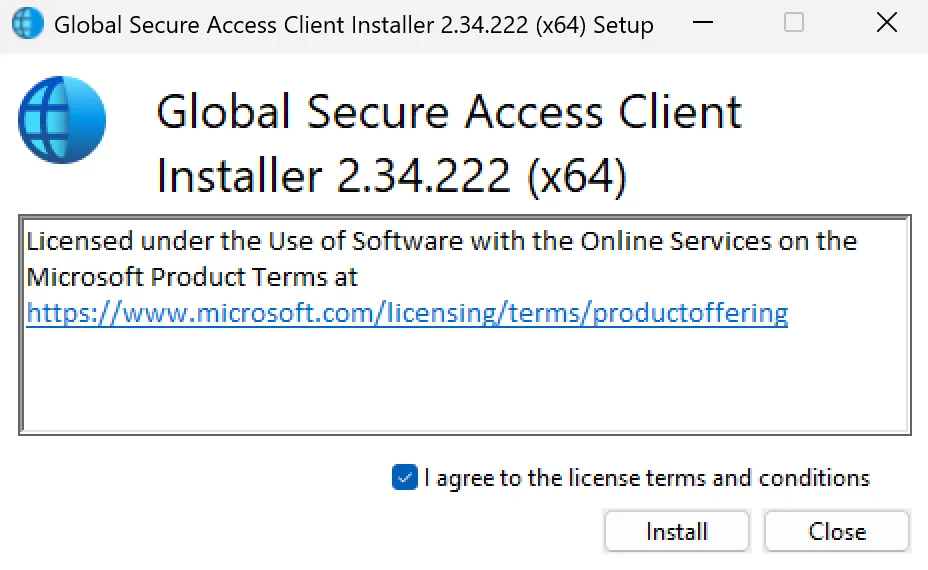
    Global Secure Access Client installer with the license terms accepted and the Install button

  2. Close the installer when the installation completes.
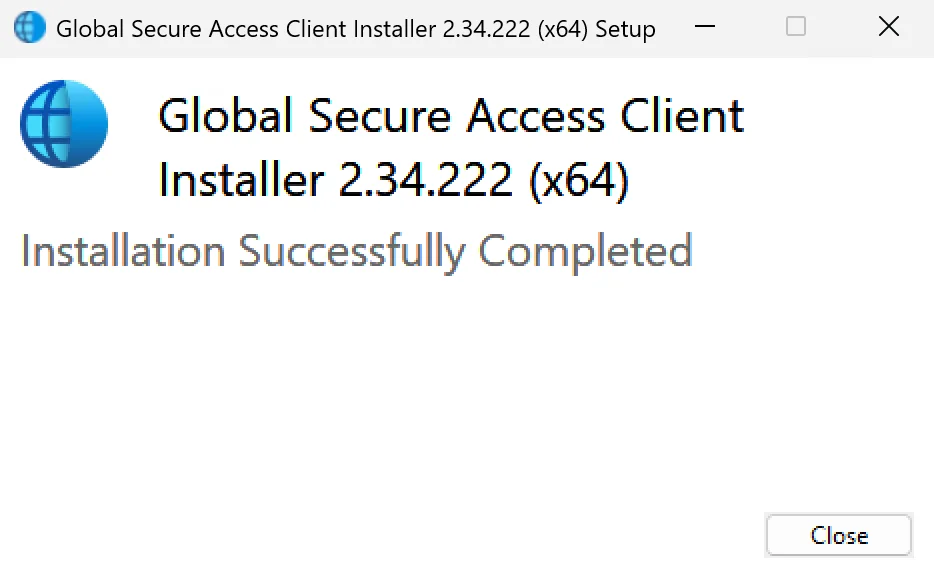
    Global Secure Access Client installer showing Installation Successfully Completed

  3. Open the Global Secure Access client and select Sign In.
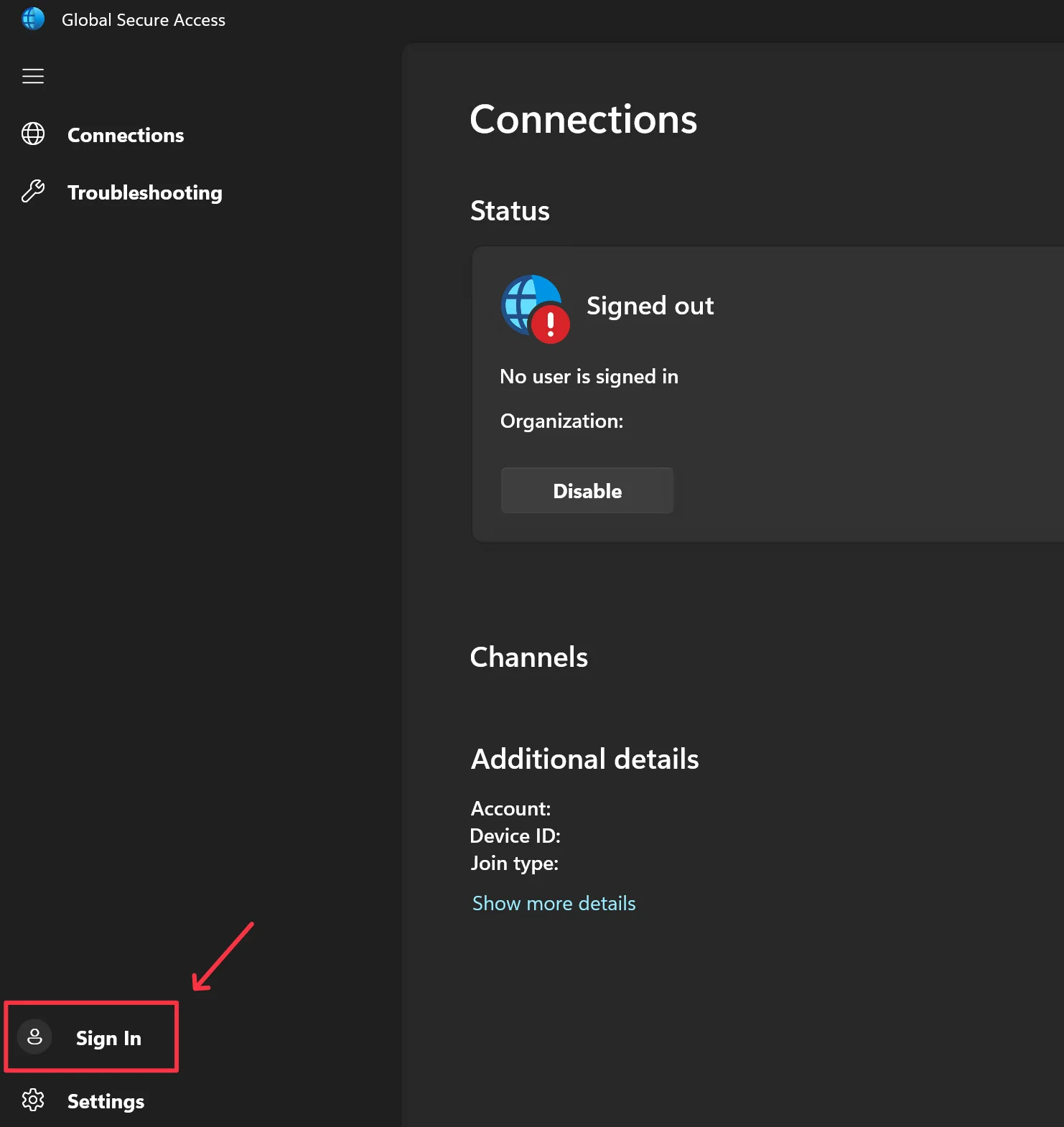
    Global Secure Access client signed out, with Sign In highlighted in the bottom left

  4. Sign in with your work account and select Yes to register the device.
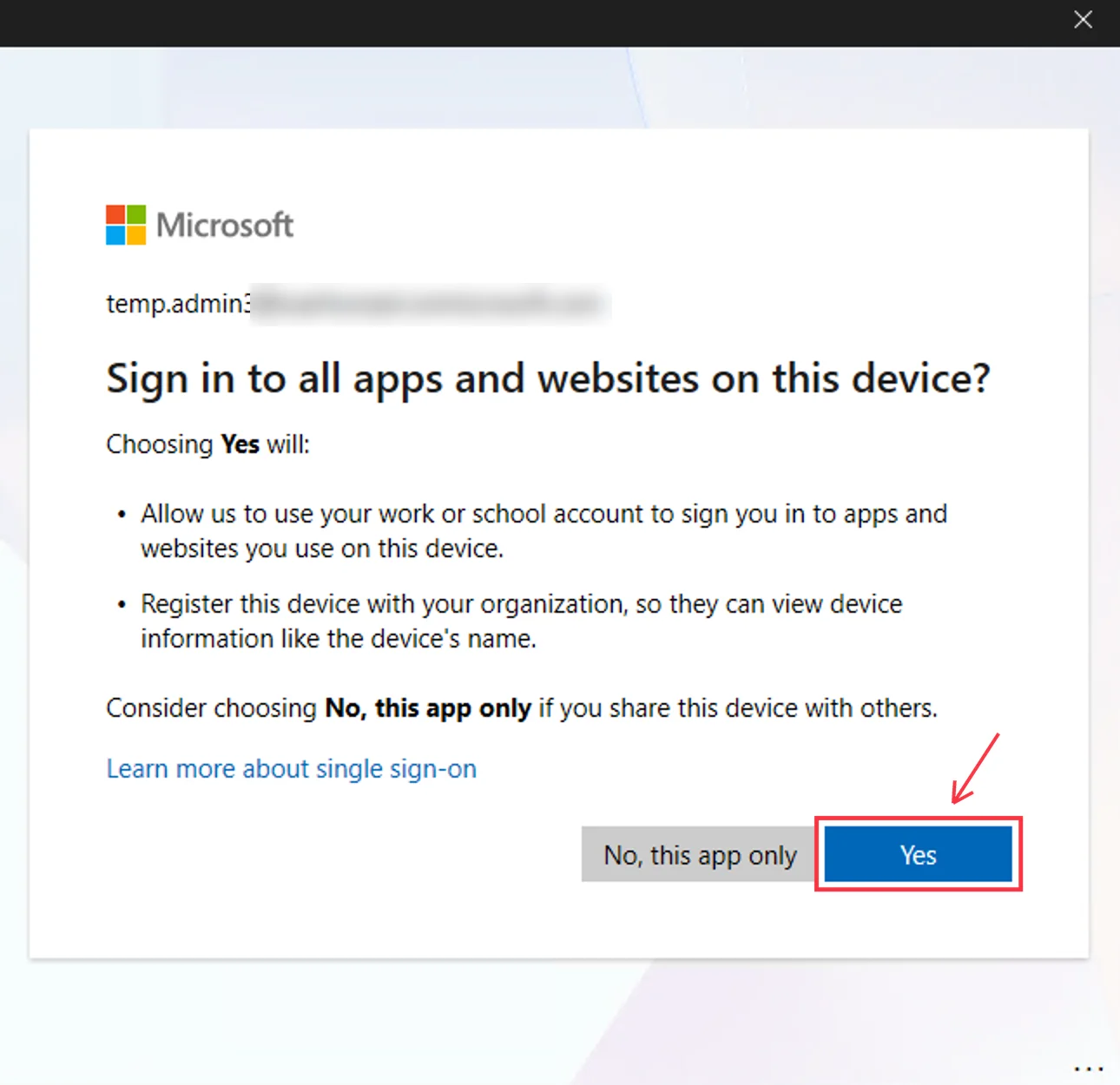
    Sign in to all apps and websites on this device prompt with Yes highlighted and the account domain blurred

  5. Check that the client shows Connected and the join type is Entra Registered.
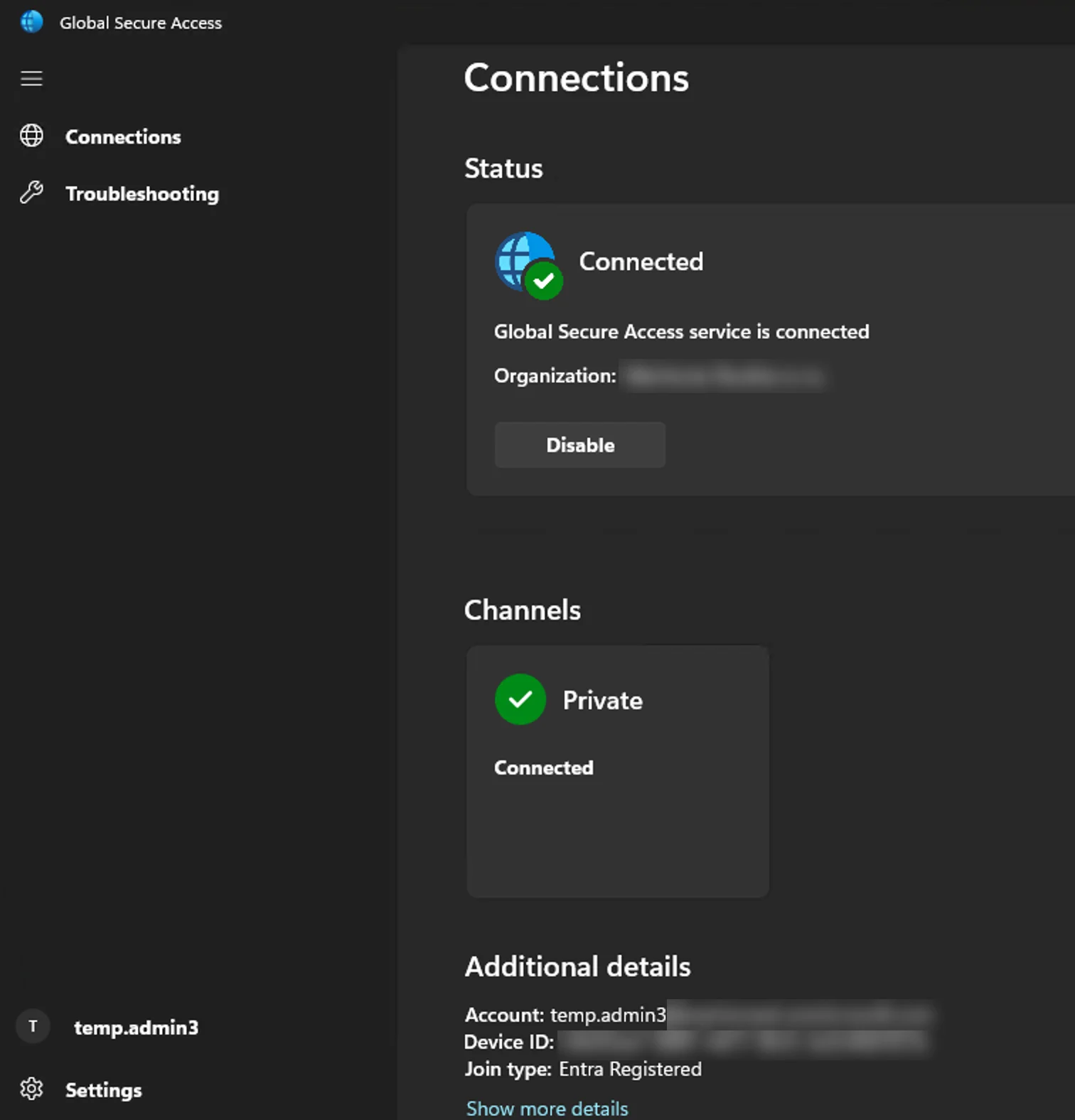
    Global Secure Access client connected with the Private channel connected and join type Entra Registered, with organization, account domain and device ID blurred